
Total: $0.00

Promotion
1-31 Aug 2024
Total: $0.00

Total: $0.00
Everything You Need to Know Before Ordering
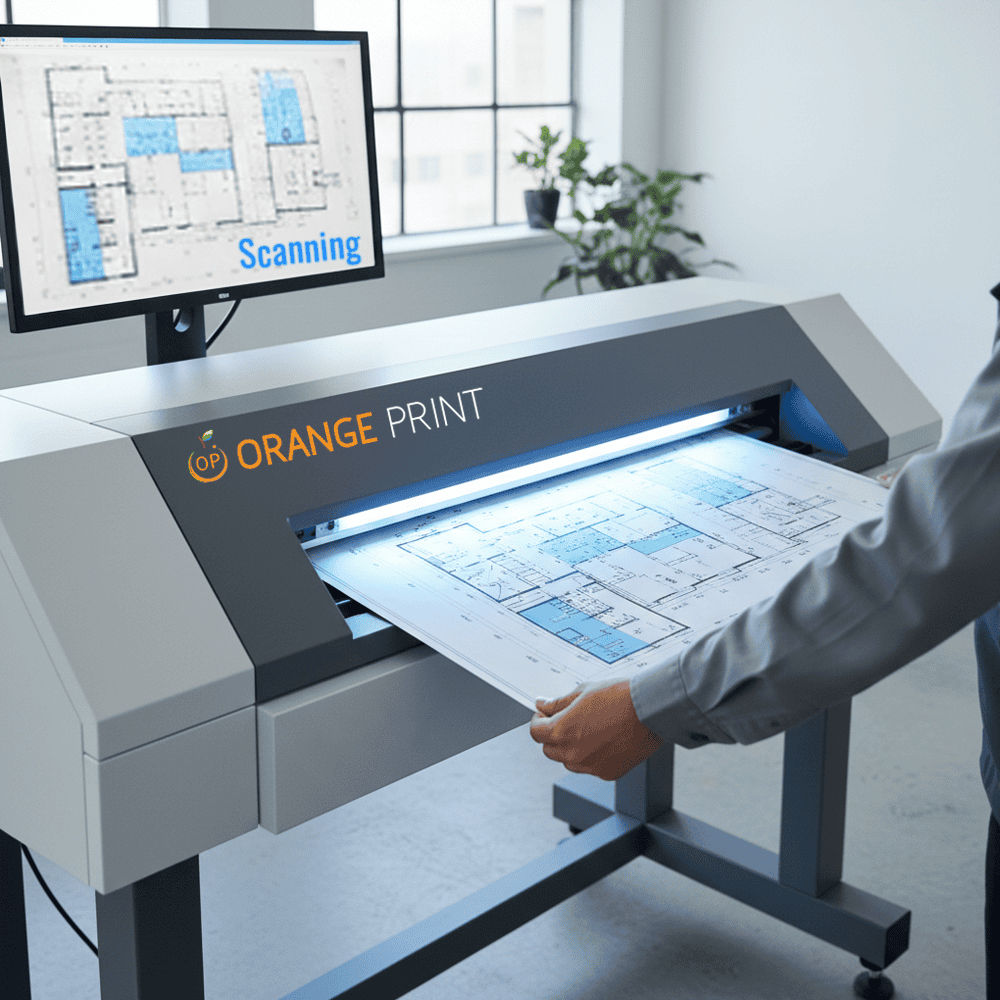
Digitize your documents, receipts, or photos into clear PDF or JPG files. Choose standard (300dpi) or high-resolution (600dpi) scanning, with color, grayscale, or black & white options, and receive your files as one combined PDF or separated by page/document.
Please send pages clean, flat, and in order; request OCR if you need searchable text.
Process Day [?]: calculated based on orders processed before 5pm on working days (excluding Public Holidays).
After Production: Once your order is complete, you can choose to:
How to order
Ordering from Orange Print is simple. Use our online price calculator to configure your job, upload your file, and check out — all in a few minutes.
1) Select your product and specifications
Browse our shop and choose the product you need. Use the price calculator to select your specifications — size, quantity, material, finishing options — and get an instant price before you commit.
2) Upload your artwork
Upload your print-ready file directly at checkout (up to 20MB). For larger files, paste a download link in the Remarks field. Not ready yet? Place your order now and WhatsApp or email us your file at sales@orangeprint.com.sg once it’s ready — just include your order number.
Make sure your file meets the artwork requirements listed on the product page before uploading. This helps avoid delays.
3) Add to cart and check out
Once your specifications and file are set, add to cart and proceed to checkout. Review your order to make sure everything is correct before confirming.
4) Payment
We accept the following payment methods:
5) Collection or delivery
Once your order is ready, choose how to receive it:
Need help?
Call us at 6589 8138, email sales@orangeprint.com.sg, or use the live chat on our website during office hours.
Fast, high-quality scanning for documents and images. Clear digital copies for archiving, sharing, and easy record management.